
Honda Odyssey Owners Manual: Playing a USB Flash Drive
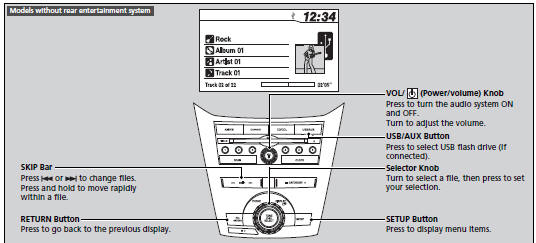
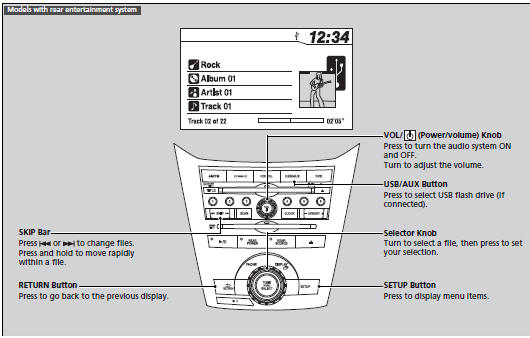
Your audio system reads and plays sound files on a USB flash drive in either MP3, WMA or AAC*1 format. Connect your USB flash drive to the USB adapter cable, then press the USB/AUX button.
|


See More:
Honda Odyssey Service Manual > Suspension: Wheel Bearing End Play Inspection
Raise and support the vehicle. Remove the wheels. Install suitable flat washers (A) and the wheel nuts (B). Tighten the nuts to the specified torque to hold the brake disc or the brake disc/drum securely against the hub. Front B14 x 1.5 mm127 N·m(13.0 kgf·m, 94 lbf·ft)A Rear B14 x 1.5 mm127 N·m( ...
Honda Odyssey Owners Manual
- Quick Reference Guide
- Safe Driving
- Instrument Panel
- Controls
- Features
- Driving
- Maintenance
- Handling the Unexpected
- Information
Honda Odyssey Service Manual

© 2018-2026 Copyright www.hodyssey.net
0.0079